Anti Bot
Module for preventing bot spamming and raiding
The Anti Bot Module is designed to catch compromised accounts and spam bots that post scam messages across your server. It watches for bot-like behaviour, warns the member first, and then removes them if they keep going.
Members with Administrator, Manage Messages or Moderate Members permissions are never checked by Anti Bot. Neither are other bots.
Detection
Monni currently has one way to detect bots.
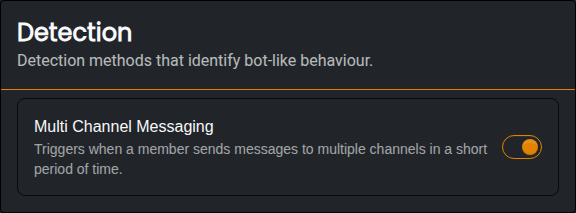
Multi Channel Messaging
When enabled, Monni will detect members that send messages to many different channels in a short period of time. This is how most scam bots behave, as they try to reach as many people as possible before being removed.
- A member is caught when they post in 5 different channels within a minute.
- This drops to 4 channels if they are posting the same message in each channel, or if your server only has a few channels they can post in.
- Once a member has been caught, Monni watches them more closely for the next few hours.
Honeypot Channels
A honeypot is a channel that nobody should ever post in. Bots post everywhere they can, so any message sent in a honeypot channel is treated as bot behaviour.

- The message is always deleted.
- The member gets a notice in the channel telling them what they did, and gets a strike.
Make sure your members know not to post in your honeypot channels! A good way to do this is to name the channel something like #do-not-post and explain it in the channel's messages..
Warnings & Strikes
With Multi Channel Messaging, Monni always warns a member before punishing them. When a member is one step away from a punishment, Monni posts a short warning in the channel they just used, telling them what will happen if they continue. The warning disappears after a few seconds.
If they keep going, or post in a honeypot channel, they get a strike:
- 1st strike | The member is timed out for 1 minute.
- 2nd strike and onwards | The member is kicked from the server. If you have kicking turned off, they are timed out for 24 hours instead.
Strikes expire 1 hour after a member's last strike, so a member who trips detection once in a while will never build up to a kick.
Actions
Actions let you choose what Monni is allowed to do when a member gets a strike.
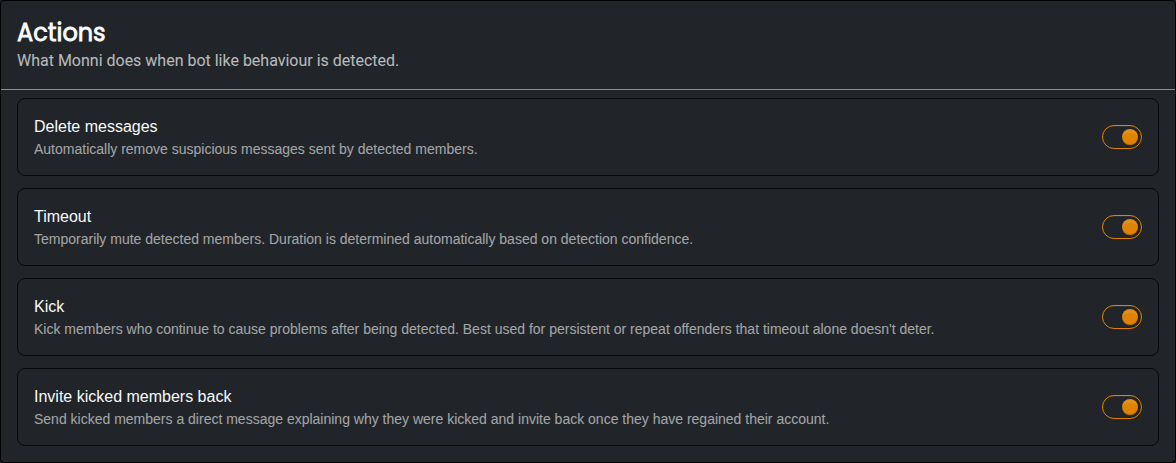
- Delete Messages | Deletes every message the member sent while they were being caught, across all channels.
- Timeout | Allows Monni to time members out. If turned off, the first strike is only reported.
- Kick | Allows Monni to kick members on their second strike. If turned off, they are timed out for 24 hours instead.
- Invite Kicked Members Back | Sends the member a direct message explaining why they were kicked. The message includes an invite back to your server, which can be used once and expires after 7 days. This is useful because most bots are real members whose accounts were hacked.
Kicking a bot doesn't stop it from joining again. If you see the same account being kicked again and again in your reports, ban it using the Moderation Module.
Every timeout and kick from Anti Bot is saved as a case in the Moderation Module, so you can see them alongside your other cases.
Reporting
When a channel is selected, Monni will send a report there every time a member gets a strike.
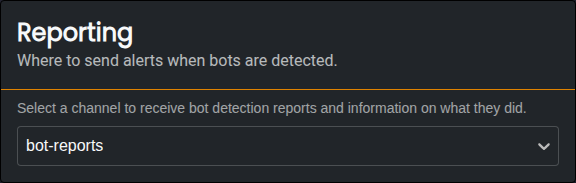
Each report includes:
- The member and what they did.
- The action that was taken, and the strike they are on.
- A file with every message they sent while being caught.
- Whether anything failed, such as Monni lacking the permissions to kick or a message that could not be deleted.
- Whether Monni could not send the member a direct message.
Make sure Monni has the Moderate Members, Kick Members and Manage Messages permissions, or the punishments will fail. Failed actions are always shown in the report.