Automations
Module for creating custom automations and commands
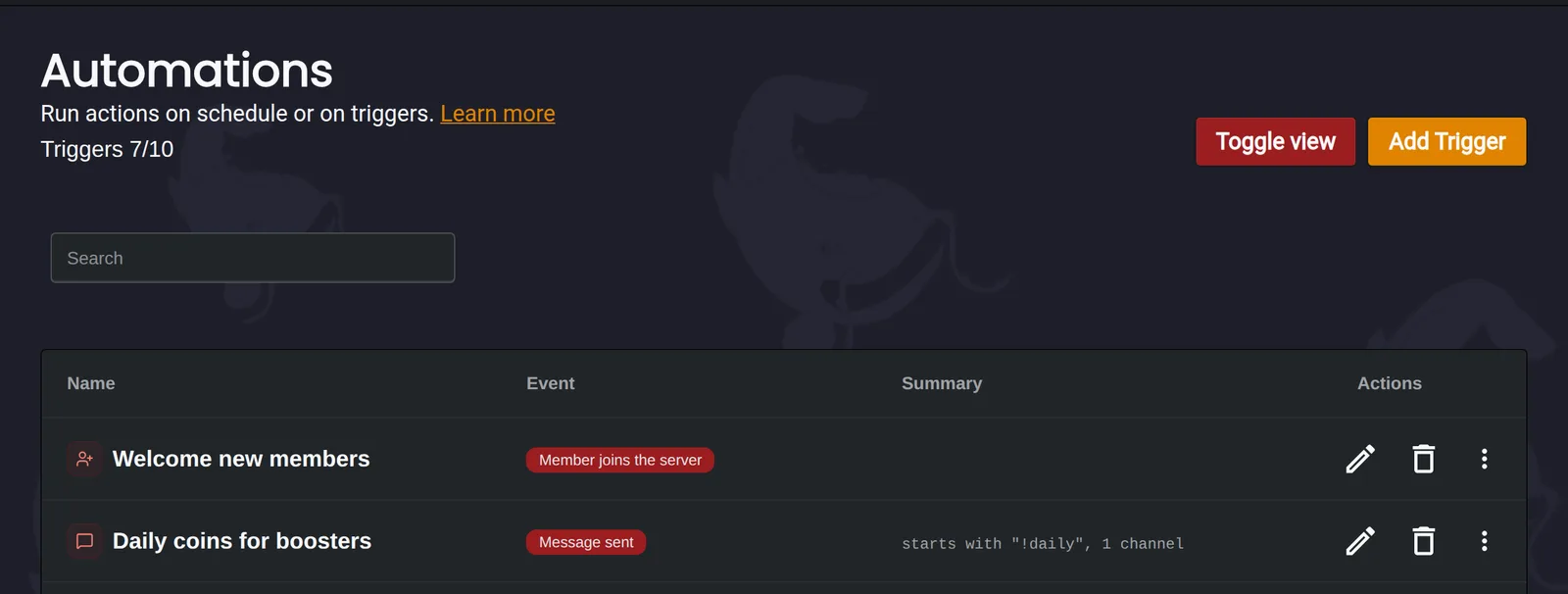
Automations let you build your own commands and actions without writing code. Each automation has a trigger that decides when it runs, and actions that decide what happens. You can add conditions to only run actions for some members, like members with a certain role.
How an automation works
Here is a complete example. When someone sends a message starting with !daily in #general, Monni checks whether they have the Server Booster role. Boosters get 50 coins and a thank you message. Everyone else is told what daily coins are for.
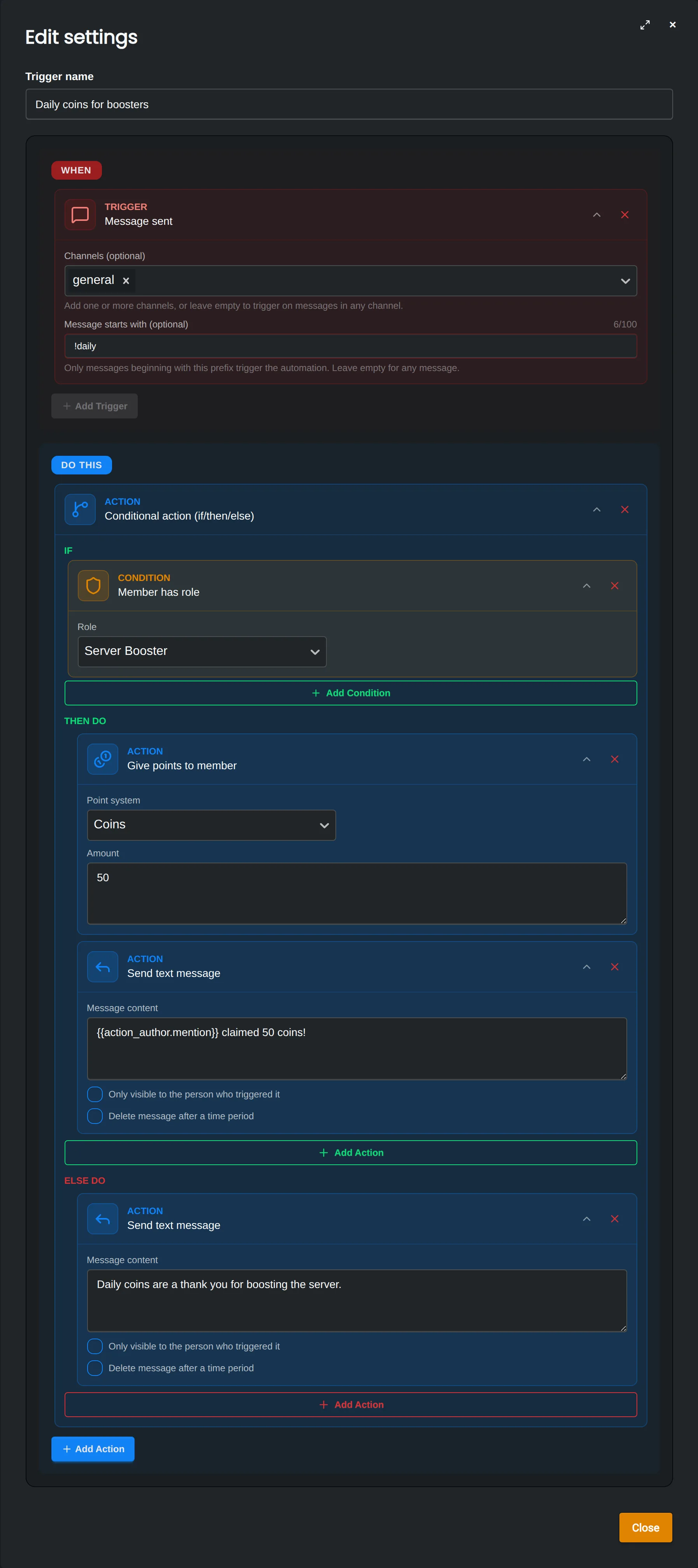
- Trigger | When the automation runs. See the triggers below.
- Conditions | Checks like "member has role" or "member has points". Add them with the Conditional action, which runs one list of actions when the conditions pass and another when they don't.
- Actions | What Monni does, like sending a message, giving a role or changing points. Read more on the Actions and conditions page.
Triggers
- Message sent | Someone sends a message, optionally only in some channels or starting with a command.
- Member joined | Someone joins your server.
- Member left | Someone leaves your server.
- Member verified | Someone finishes verification.
- Timer | Runs again and again at a fixed interval.
- Schedule | Runs at set times, like every Monday at noon.
- Manual | Only runs when you start it from the dashboard or the API.
Running actions on many members
To run actions on many members at once, like giving everyone with one role another role, use the For each member action. Read more in Mass actions.
Related Topics
Actions
How actions and conditions work in Monni automations, who actions apply to, and the special actions for logic and buttons.
Mass actions
Run actions on many members at once with the For each member action, like giving everyone with a role a new role.
Variables & templates
Use variables like {{member.name}} in Monni messages and actions, and add logic with Liquid templates.
Custom tags & filters
Extra template tags and filters Monni adds to Liquid, like picking a random item from a list.
Triggers
7 items
Guides
2 items